
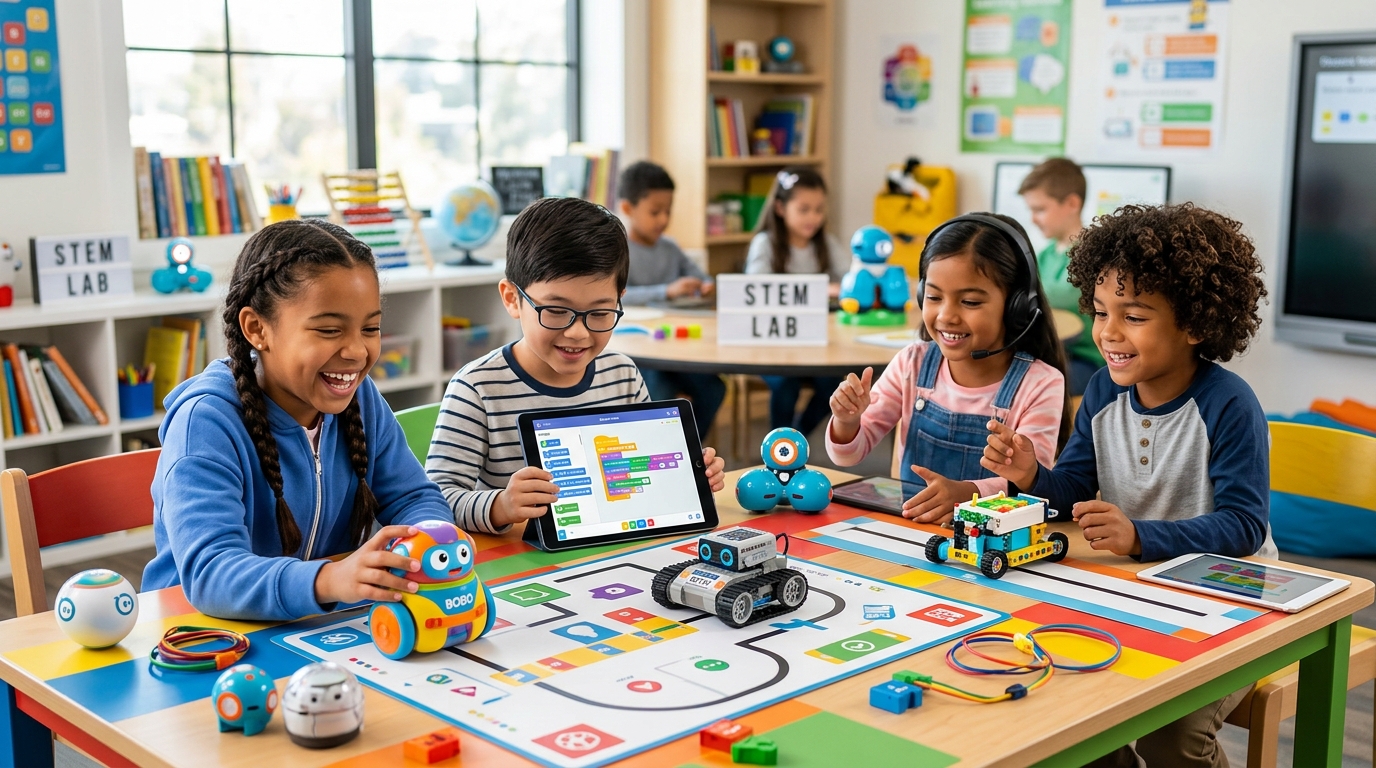
Top Coding Robots for Kids 2026: Parent & Teacher Guide
Top Rated Coding Robots for Kids
The Ultimate 2026 Guide for Parents and Teachers
In an increasingly digital world, coding has transitioned from a niche technical skill into a fundamental pillar of modern education. As parents and educators, we constantly search for the most effective, engaging ways to introduce these concepts to children. While screen-based applications have their place, nothing bridges the gap between abstract logic and tangible reality quite like educational robotics. Coding robots transform lines of code into physical movement, light, and sound, providing immediate, real-world feedback that captivates young minds. This comprehensive guide dives deep into the top-rated coding robots available in 2026. Whether you are a parent looking to spark a lifelong passion for STEM (Science, Technology, Engineering, and Mathematics) in your living room, or a teacher designing a dynamic curriculum for a bustling classroom, choosing the right robotic companion is crucial. We have rigorously evaluated these platforms based on their educational value, durability, ease of use, and long-term engagement potential. From screen-free options designed for kindergarteners to advanced, AI-integrated machines capable of running Python scripts, the landscape of educational robotics has never been richer. Let's explore the standout devices that are actively shaping the innovators, problem-solvers, and tech leaders of tomorrow.
The Top Coding Robots for 2026
Learning Resources Botley 2.0
Overall Rating
When it comes to introducing the absolute youngest learners to the world of programming, the Learning Resources Botley 2.0 stands in a league of its own. In an era where children are increasingly tethered to tablets and smartphones, Botley offers a brilliantly tactile, 100% screen-free coding experience. By utilizing a physical remote programmer, children input commands sequentially, physically mapping out the robot's journey on the floor. This hands-on approach is incredibly effective for developing spatial reasoning, critical thinking, and a foundational understanding of algorithms without the distractions of a digital screen.
Makeblock mBot2 (Neo)
Overall Rating
The Makeblock mBot2 is a powerhouse of educational technology, representing a significant leap forward in affordable, versatile robotics. Designed as a step up from the original, highly popular mBot, the mBot2 is built around the CyberPi microcontroller—a brilliant piece of hardware that acts as the robot's brain. What sets the mBot2 apart is its astonishingly high "ceiling" for learning. It serves as a gentle introduction to robotics via block-based programming but seamlessly scales to support advanced Python coding, Artificial Intelligence (AI) applications, and Internet of Things (IoT) projects. It is a true comprehensive STEM curriculum in a box.
Wonder Workshop Dash
Overall Rating
If you are looking for a robot that feels less like a machine and more like a companion, the Wonder Workshop Dash is unparalleled. Dash has been a staple in elementary school classrooms for years, and for good reason. It boasts an incredibly expressive personality, utilizing a swiveling head, glowing eye, and endearing vocalizations to forge an immediate emotional connection with children. This emotional engagement is a powerful pedagogical tool; children are far more motivated to write code and solve problems when they feel they are interacting with a friendly, responsive character rather than a cold piece of hardware.
Sphero BOLT
Overall Rating
The Sphero BOLT is a masterclass in durable, versatile robotics. At first glance, it is simply a rolling sphere, but beneath its indestructible polycarbonate shell lies a remarkably sophisticated educational tool. Sphero has long been a leader in the ed-tech space, and the BOLT is their flagship model, designed to handle the absolute chaos of a school environment while delivering high-level programming challenges. Its unique spherical design forces children to think differently about movement, physics, and trajectory, making it an exceptional tool for integrating math and science into computer science lessons.
Ozobot Evo
Overall Rating
The Ozobot Evo proves that powerful educational tools can come in the smallest of packages. Measuring barely an inch in diameter, this pocket-sized robot is a marvel of miniaturization. What makes the Ozobot Evo so distinct is its hybrid approach to programming. It seamlessly bridges the physical and digital worlds by allowing children to code using simple, colored markers on paper, before graduating to an on-screen block coding environment. This unique methodology makes it incredibly accessible, turning a kitchen table and a blank sheet of printer paper into an expansive, creative robotics laboratory.
How to Choose the Right Coding Robot
Selecting the perfect educational robot requires more than just picking the most popular model on the shelf. It requires a thoughtful alignment of the child's developmental stage, current technical proficiency, and learning environment. Here is what you need to consider:
First, consider the child's age and developmental milestones. For early elementary students (ages 4-7), screen-free coding is highly recommended. At this stage, children are still developing their fine motor skills and spatial awareness. Robots that use physical blocks, cards, or push-buttons allow them to grasp sequential logic without the added cognitive load of navigating a tablet interface. As children transition into upper elementary and middle school (ages 8-12), block-based programming interfaces, like Scratch or Blockly, become the gold standard. These visual languages allow kids to snap together commands like puzzle pieces, learning the architecture of code without getting bogged down by syntax errors.
Second, evaluate the hardware durability and expandability. A robot used in a busy classroom environment needs to withstand drops, spills, and enthusiastic handling. Look for robust materials like thick ABS plastic or aluminum chassis. Furthermore, consider if the robot can grow with the child. Some platforms offer add-on packs, sensor upgrades, or the ability to transition from block-based coding to text-based languages like Python or JavaScript. A robot with a high "ceiling" ensures it won't be outgrown and discarded after a few months.
Finally, do not underestimate the importance of curriculum and community support. The best hardware in the world is useless without engaging activities. Look for brands that provide extensive, standards-aligned lesson plans, active community forums, and regular software updates. For teachers, this is absolutely critical; a pre-packaged curriculum saves hundreds of hours of lesson planning and ensures that the robot is used as a genuine educational tool rather than just a sophisticated toy.
Help Your Child Fall in Love with Reading
Picture This! teaches visualization step-by-step so children can genuinely understand—and enjoy—what they read.
Related Articles
Sources & References
- Learning Resources Botley® the Coding Robot Activity Set
- LEGO® Education Computer Science & AI Kit - Grades K-2
- How LEGO Education Is Promoting K–8 Computer Science
- Best Coding Robots for Kids by Age (2026 Guide) - Magic Kids Learning
- mBot2: No.1 Coding Robot for STEM Education - Makeblock
- Ozobot Evo Review - PCMag
- Parent's Guide: Choosing the Right Robotics Kit for Every Age Group
- How to choose the best programmable robot: 2026 guide - Standard Bots
- Computer Science & AI Learning Solutions for K-8 | LEGO® Education
- The 10 Best STEM Robots for Kids of All Ages (2026 Review)